Getting Started & Basics 5/17/2026
Forgot Bondhoni Password? Here is How to Regain Account Access
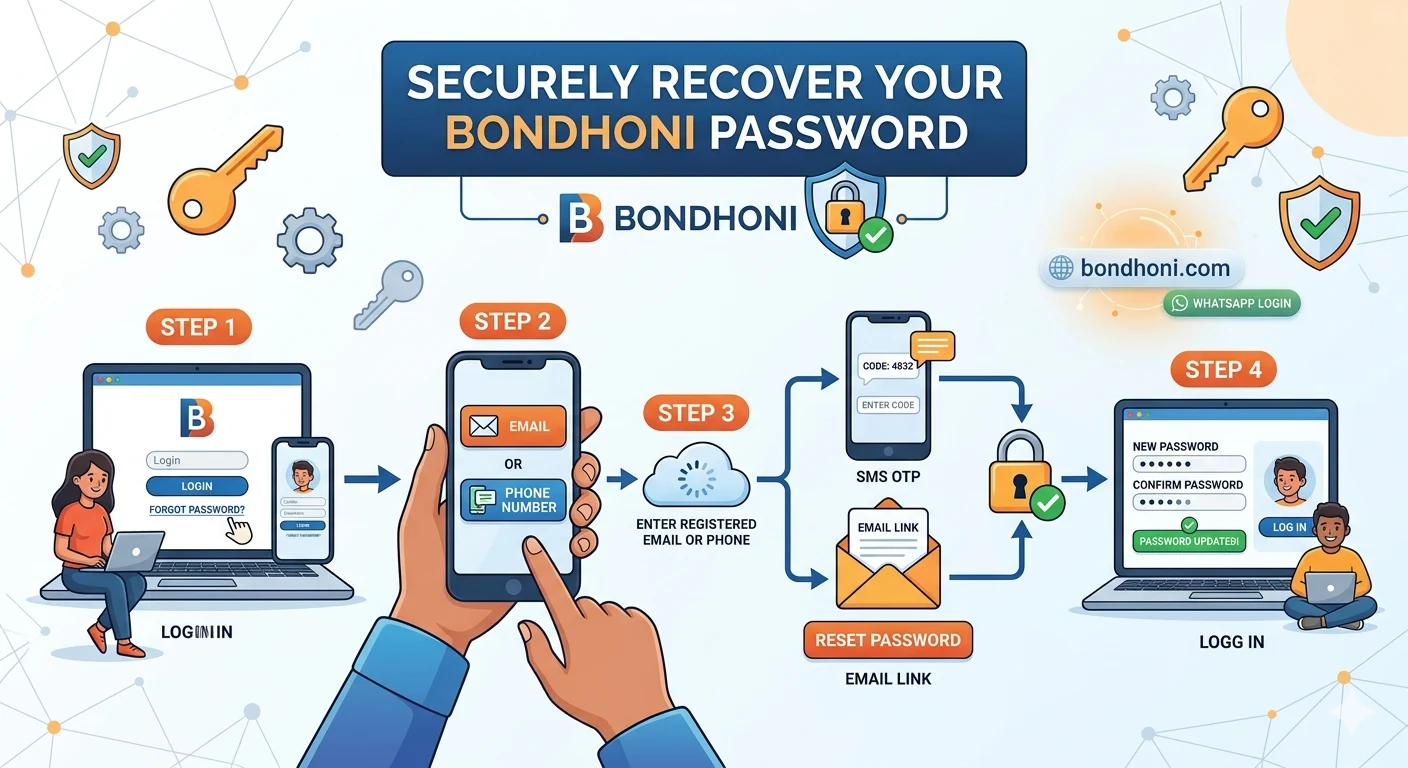
Recovering your account password on Bondhoni is a secure and simple process designed to quickly get you back in touch with your family network.
If you have forgotten your password or are locked out of your profile, you can easily regain access using your registered phone number or email address. This step-by-step guide explains how to safely reset your password on both the web portal and the mobile app.
Step 1: Open the Password Recovery Module
- Go directly to the official homepage at bondhoni.com or open the app on your phone via the Bondhoni Google Play Store Page.
- Click on the PASSWORD tab within the main login box.
- Look right below the login button and click the link that says Forgot your password? or Forget your account?.
Step 2: Request an Authentication Code
To ensure nobody else can access your data, the system needs to verify your identity:
- Enter the Mobile Number or Email Address linked to your account.
- Double-check that your phone number does not contain typos or accidental spaces.
- Click the Send Verification Link or Send OTP button.
Step 3: Enter the Verification Details & Reset
- If using a phone number: Check your SMS messages or WhatsApp inbox for a unique, temporary verification code (OTP). Enter this code into the verification field on your screen.
- If using an email address: Check your email inbox (and your spam folder) for a secure password reset link sent by Bondhoni. Click the link to open the reset form.
- Type in a new, secure password. Confirm it by typing it a second time, then click Submit.
Important Tips to Avoid Getting Locked Out Again
- Make it Strong but Memorable: Mix uppercase letters, lowercase letters, and numbers. Do not use easily guessed info like your name or birth year.
- Switch to WhatsApp Login: To avoid remembering passwords entirely, you can simply use the WHATSAPP OTP tab on the login page for secure, passwordless access every time.
- Update Contact Info: If you change your phone number, make sure to update it immediately in your account settings so you never lose recovery access.
Leave a comment
No comments yet. Be the first to share your thoughts!