How can we help you?

Popular:

Account Settings

Manage password, profile info, and name changes.

Explore Topics

Privacy & Safety

Control who sees your posts and family tree.

Explore Topics

Login & Security

Two-factor authentication and recognized devices.

Explore Topics

Notifications

Adjust email, push, and SMS alert preferences.

Explore Topics

Family Tree Help

How to add relatives and verify connections.

Explore Topics

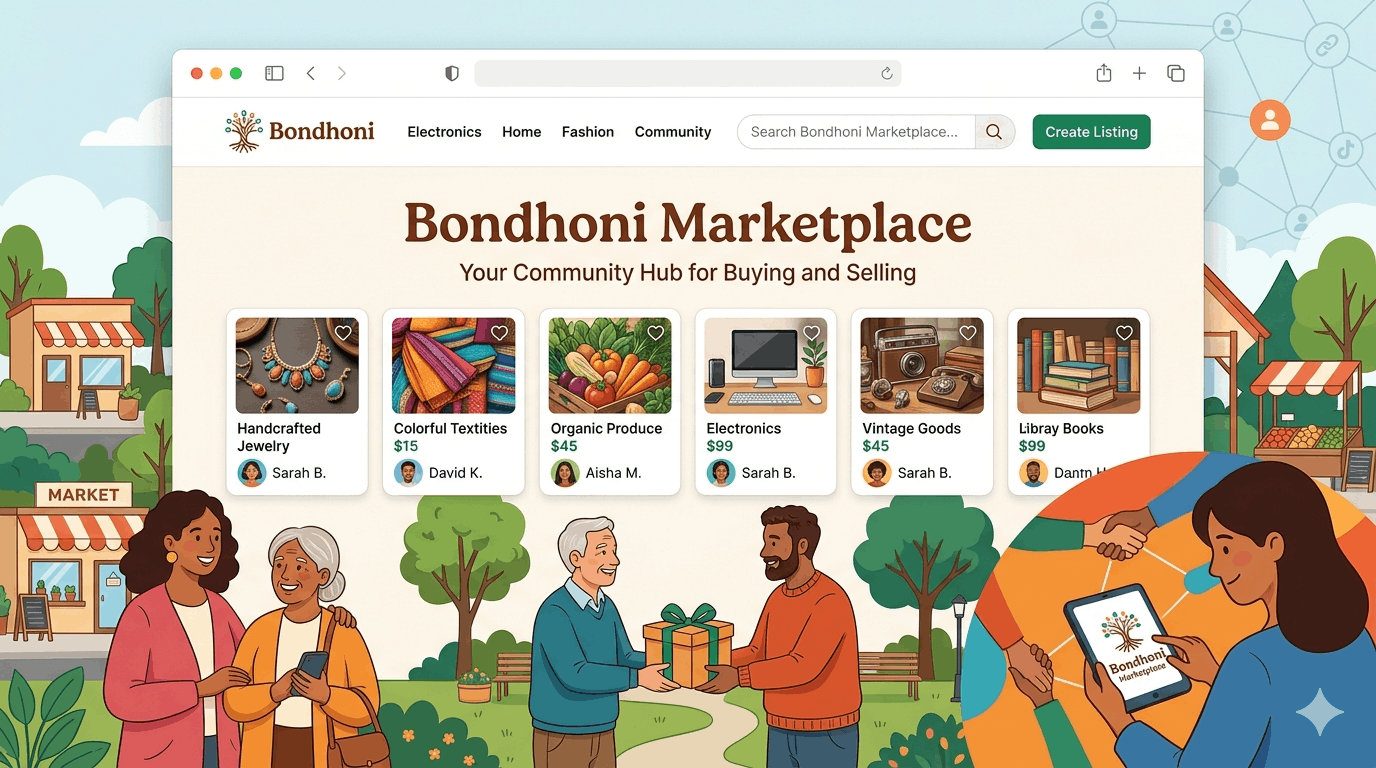
Marketplace

Buying, selling, and reporting listing issues.

Explore Topics

Frequently Asked Questions

Go to the Family Tree section, click on the '+' icon next to a relative's card, and select 'Add Relative'. You will need to provide their name and relation type.
Yes. Navigate to Privacy Settings > Profile Visibility. You can choose to be visible to 'Everyone', 'Friends of Friends', or 'Only Family Members'.
Immediately use our 'Secure Account' tool on the login page. We will freeze activity and guide you through the identity verification process.
We use family-vouching. A family member already on the platform must verify your identity to grant you full access to the heritage features.

Still need answers?

Our support team is available 24/7 to help you with technical issues or safety concerns.

Response time: < 2h
24/7 Monitoring