How to Create a Digital Family Tree on Bondhoni.com
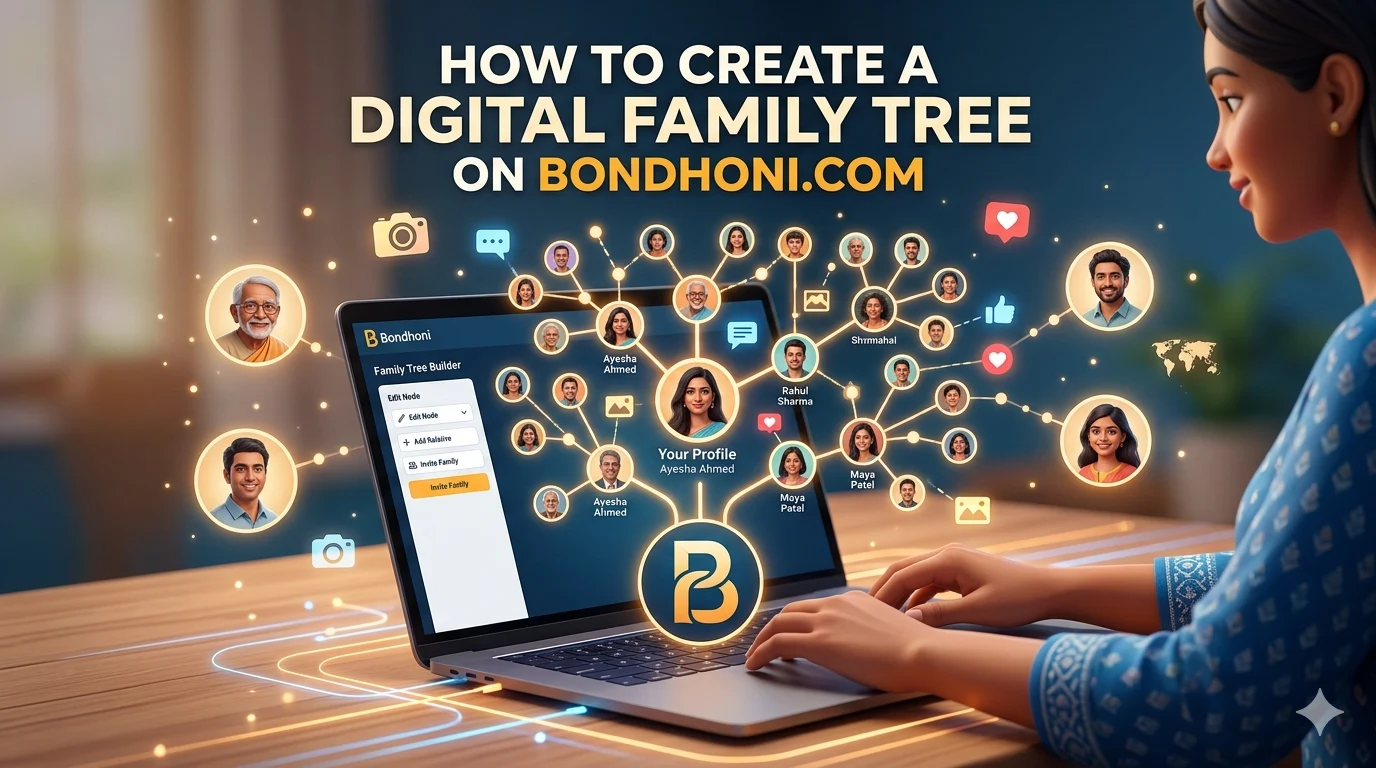
Building your digital family tree on Bondhoni is a beautiful way to preserve your heritage and keep generations of family connected in one secure place.
Once your account is set up, you can map out relationships, link profiles, and share memories. This step-by-step guide explains how to start, grow, and manage your family tree on the web or the mobile app.
Step 1: Access the Family Tree Dashboard
- Log into your profile at bondhoni.com or open the Android app via the Bondhoni Google Play Store Page.
- Locate and click on the Family Tree tab in your main account dashboard menu.
- Your personal profile card will appear automatically as the starting root node of the tree structure.
Step 2: Add Your Immediate Circle (Parents & Siblings)
To grow your tree, always start with your closest blood relatives before expanding outward:
- Click the "+" (Add Relative) icon attached to your personal profile card.
- Select the relationship role from the options provided (e.g., Mother, Father, Spouse, or Child).
- Fill in their basic identity details, including their full name, gender, and date of birth.
- Hit Save to watch the platform visually connect the new node to your branch.
Step 3: Invite Living Relatives to Link Profiles
Instead of manually typing every single relative's details, you can invite them to claim their spot:
- When adding a relative, toggle the option to Link Active Account.
- Enter their registered mobile phone or WhatsApp number.
- Once they accept the automated platform request, their existing Bondhoni profile will instantly merge into your visual family tree map.
Pro Tips for Enhancing Your Digital Tree
- Upload Historical Photos: Click on any relative's individual card node to upload profile photos or vintage family portraits to bring the tree to life.
- Keep It Secure: Bondhoni features built-in privacy walls. Only verified, connected family network members can view your structural tree layout and shared media.
- Grow Generational Branches: Encourage your parents or grandparents to log in and add their own aunts, uncles, and cousins to trace your roots back as far as possible.
Leave a comment
No comments yet. Be the first to share your thoughts!