Your Privacy First: Understanding Bondhoni's Secure Authentication and Data Safety
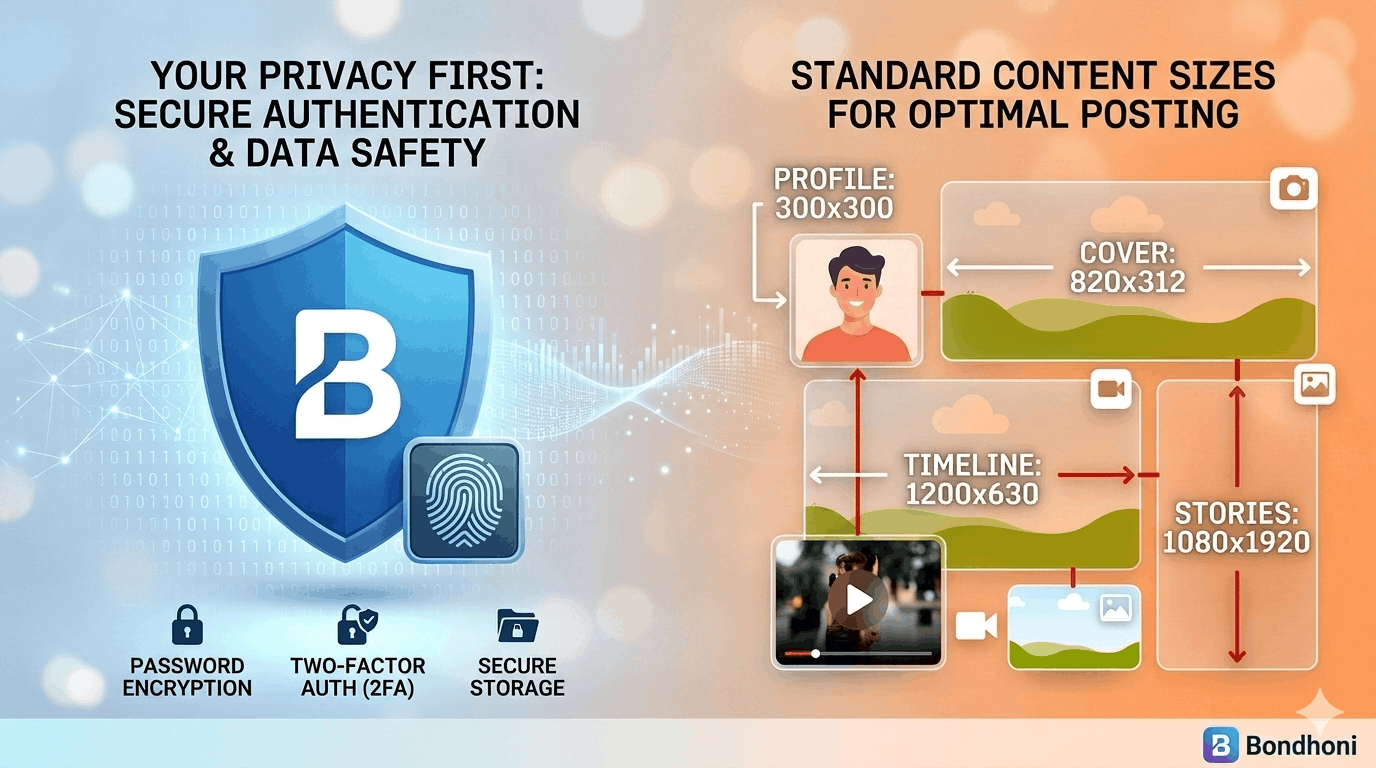
In a world where your digital footprint is everywhere, Bondhoni is built on a simple promise: your data belongs to you. We believe that connecting with friends shouldn't come at the cost of your privacy. Here is a quick guide to how we keep your account locked down and your information safe.
1. Secure Authentication: The Digital Vault
Your journey on Bondhoni starts with a secure entry. We use industry-standard encryption protocols to ensure that when you log in, your credentials stay between you and our servers.
- What this means for you: No one—not even our internal team—can see your password.
- Pro Tip: We always recommend using a unique password for Bondhoni to ensure your account remains a private sanctuary.
2. End-to-End Data Safety
Data safety isn't just a feature; it’s our foundation. From the photos you share to the messages you send, we utilize layers of protection to prevent unauthorized access.
- Encrypted Storage: Your personal details are stored in encrypted databases, making them unreadable to bad actors.
- No Third-Party Selling: Unlike many platforms, Bondhoni does not sell your personal data to advertisers. Your interests and habits stay private.
3. Standard Content Sizes for Best Quality
To keep the platform running smoothly while ensuring your media looks crisp and professional, we recommend following these standard sizes. Optimized files not only look better but also upload faster and more securely.
- Profile Picture: 300 x 300 pixels (Displays as a circle).
- Cover Photo: 820 x 312 pixels.
- Timeline Image Posts: 1200 x 630 pixels (Standard landscape) or 1080 x 1350 pixels (Portrait).
- Stories: 1080 x 1920 pixels (Full screen).
- Video Posts: 1280 x 720 (HD) or 1080 x 1080 (Square).
Your Peace of Mind Matters
We are constantly updating our security measures to stay ahead of modern threats. By choosing Bondhoni, you’re choosing a platform that respects your boundaries and values your trust.
Want to dive deeper into your settings?
If you’d like, I can give you a step-by-step walkthrough on:
- How to enable Two-Factor Authentication (2FA)
- How to manage your visibility settings for specific posts
Let me know which security feature you’d like to master first!
Leave a comment
No comments yet. Be the first to share your thoughts!