Sharing the Web: How to Post Articles and YouTube Videos with Automatic Previews
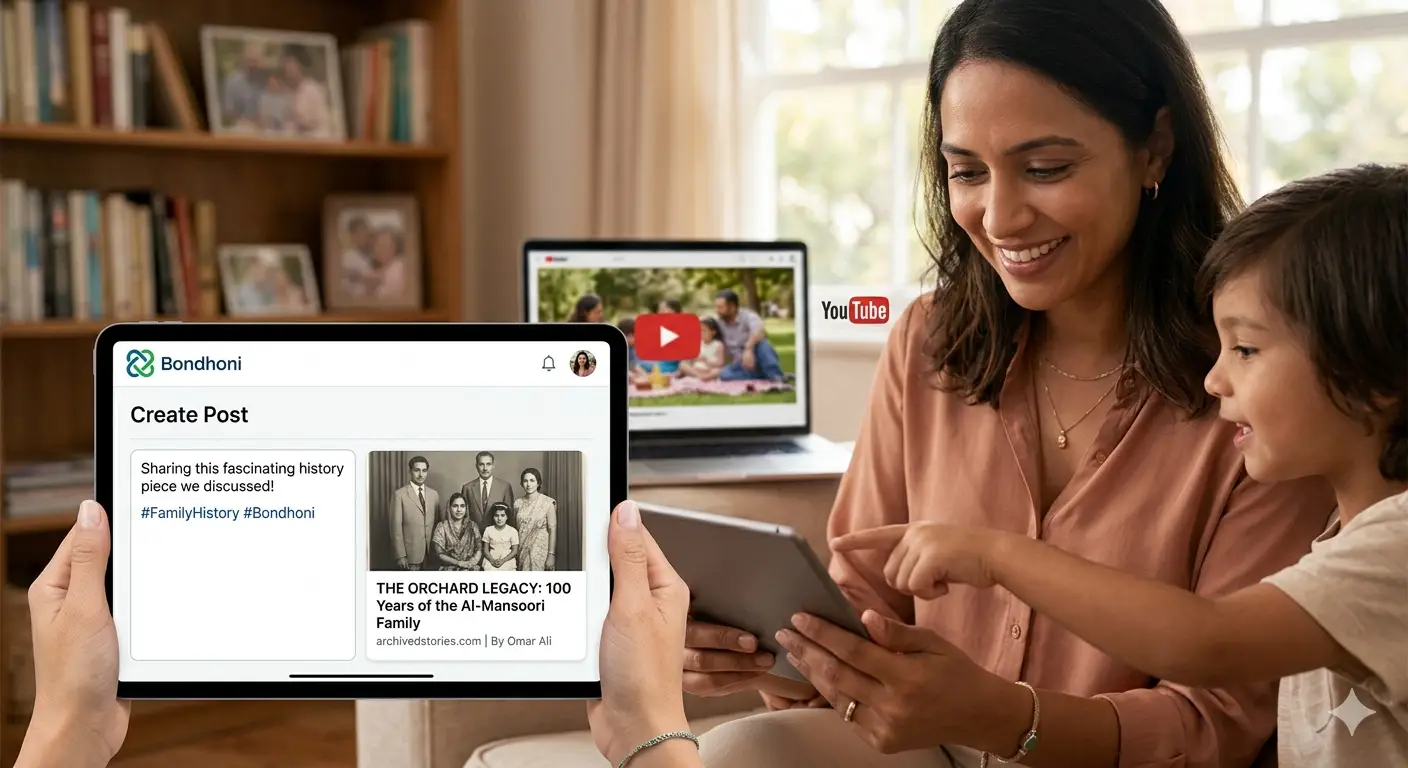
In today’s digital world, we are constantly coming across articles that spark a memory or YouTube videos that make us laugh. On most social media platforms, sharing these links often feels messy—sometimes the link is broken, or it just looks like a long string of confusing text.
At Bondhoni, we believe that sharing content should be as beautiful as the memories you create. Our Rich Media Sharing feature ensures that every time you share a link, it looks professional, engaging, and clear.
Here is everything you need to know about sharing the web with your inner circle.
Why "Automatic Previews" Matter
When you post a link on Bondhoni, our system automatically "crawls" the URL to pull the most important information. Instead of a plain link, your family sees:
- A High-Resolution Thumbnail: An eye-catching image from the article or video.
- A Bold Title: The headline of the story so they know exactly what they are clicking on.
- A Brief Snippet: A short description providing context.
This doesn't just look better; it’s safer. Automatic previews allow your relatives to see exactly where a link leads before they click, helping your circle avoid "clickbait" or suspicious websites.
How to Share Articles and News
Whether it’s a recipe you want to try for the next reunion or a news story about your hometown, sharing articles is a breeze:
- Copy the URL: Copy the link from your browser’s address bar.
- Paste into the Feed: Navigate to your Bondhoni newsfeed and paste the link into the "What’s on your mind?" box.
- Wait for the Magic: Give it a second! Bondhoni will automatically generate the preview card.
- Add Your Voice: Once the preview appears, you can delete the messy URL text and replace it with your own comment, like: "This reminded me of Grandma's kitchen!"
Bringing Video to Life: YouTube Integration
Videos are one of the most powerful ways to stay connected. Sharing a favorite song or an educational video for the kids is seamless on Bondhoni.
When you paste a YouTube link, the video doesn't just appear as a link—it embeds directly into the feed. In many cases, your family members can watch the video right there without even leaving the platform, keeping the conversation going in the comments section below.
Best Practices for Sharing with Family
To make your shared content even more engaging, keep these three tips in mind:
- Context is Key: Don't just post a link. Tell your family why you are sharing it.
- Check Your Privacy: Before hitting "Post," ensure your audience is set correctly (e.g., your entire family tree or just a specific close circle).
- Start a Conversation: Ask a question! "Has anyone else tried this gardening hack?"
Build Your Digital Archive
By sharing meaningful articles and videos, you aren't just "posting"—you’re building a curated library of interests and inspirations for your family. Bondhoni makes sure that library looks stunning and stays private.
Ready to share your first story? Log in to Bondhoni.com and show your circle what you’ve discovered today!
Leave a comment

Abdul Zabbar
5/8/2026
good