How to Login to Bondhoni.com: A Step-by-Step Guide
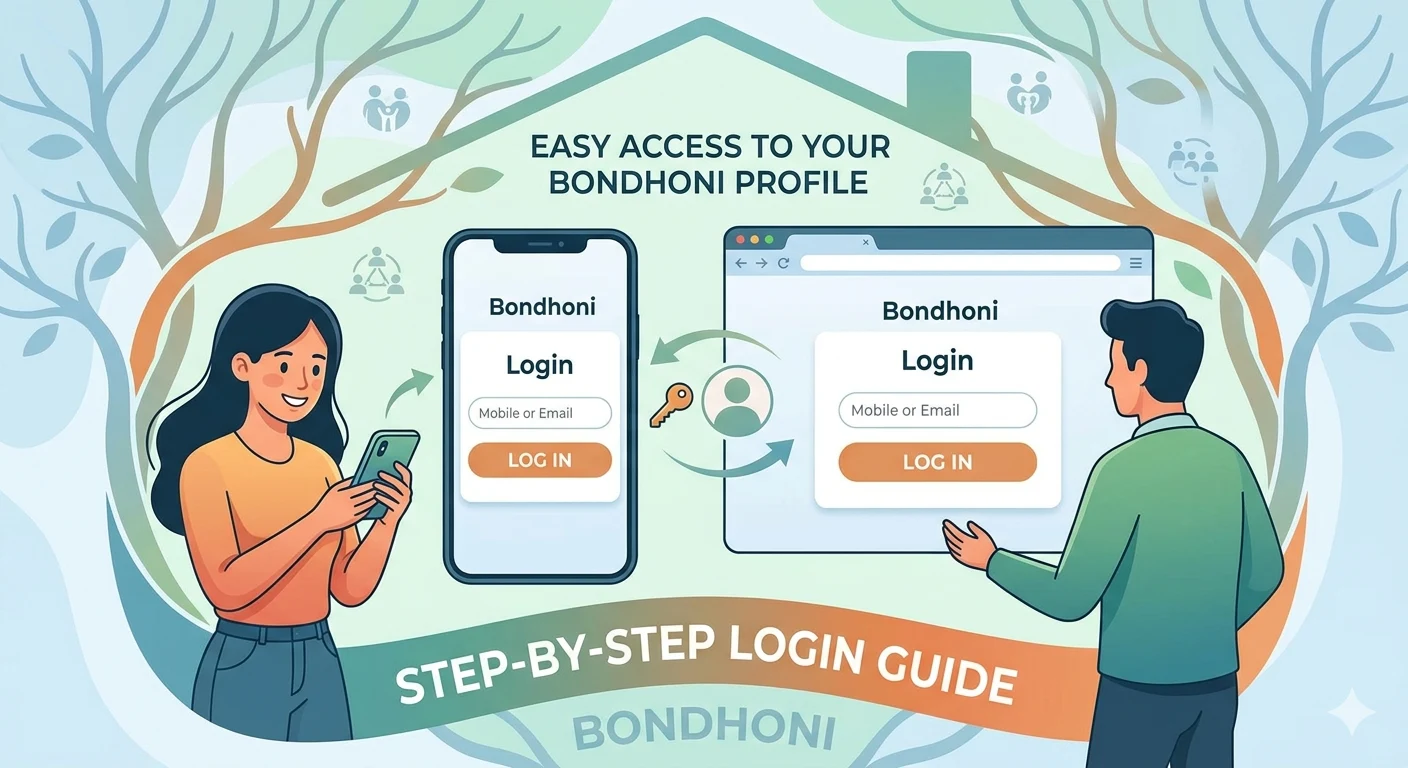
Logging into your Bondhoni account is a quick and straightforward process designed to securely connect you with your family roots and social circle.
Whether you are trying to update your family tree or catch up on community stories, this step-by-step guide covers how to access your profile using both a password and WhatsApp OTP verification.
Step 1: Visit the Official Website
- Open your preferred web browser on your phone, tablet, or computer.
- Navigate directly to the official home page at bondhoni.com.
- Look for the Welcome Back login form right on the main interface.
Step 2: Choose Your Verification Method
Bondhoni provides two flexible methods to securely access your personal dashboard:
Option A: Logging in via Password
- Click on the PASSWORD tab within the login module.
- Enter your registered email address or mobile number.
- Type in your secure account password.
- Click the Login button to access your profile.
Option B: Logging in via WhatsApp OTP (Passwordless)
- Click on the WHATSAPP OTP tab.
- Enter your registered WhatsApp phone number.
- Click the SEND OTP button.
- Check your WhatsApp app for a unique, temporary verification code sent by Bondhoni.
- Enter this code into the verification box on the screen and confirm.
Alternative: Accessing via Mobile App
If you prefer managing your family connections on the move, you can bypass the web portal entirely:
- Download the official platform directly from the Bondhoni Google Play Store Page.
- Launch the application on your Android smartphone.
- Fill in your account credentials using the same login options detailed above.
Troubleshooting Common Login Issues
- Incorrect Credentials: Double-check for accidental typos, capitalization errors, or mixed-up numbers.
- OTP Delay: If the WhatsApp verification code does not arrive within two minutes, ensure your internet connection is stable and tap "Resend".
- No Account Yet? If you are completely new to the system, tap the Create an account link located right below the main form to register your identity.
If you need further help with this process, let me know:
- Are you encountering a specific error message?
- Are you trying to log in using a desktop computer or a smartphone?
- Do you need assistance resetting a forgotten password?
Leave a comment
No comments yet. Be the first to share your thoughts!